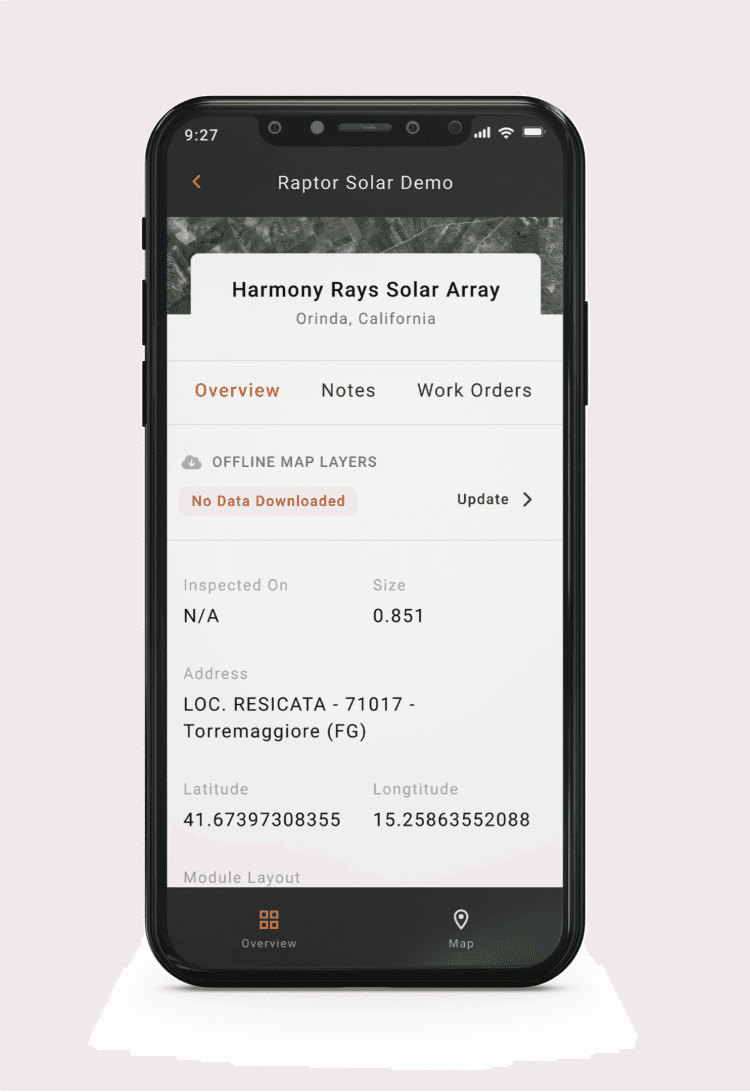
Note: Users will need to be granted permissions to view solar sites to see them in their Solar Sites List. Org Admins can manage permissions following these instructions.
How to find your site:
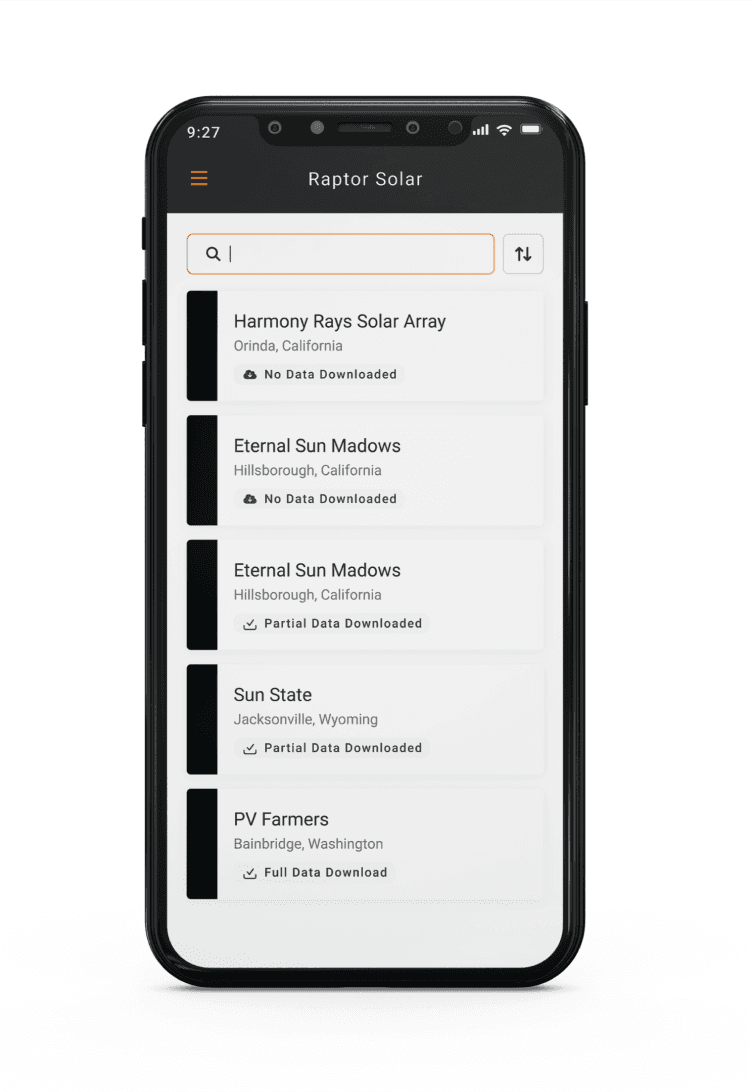
Use the following steps to find the Digital Twin of the solar Site you are looking for:
-
Log in to see a list of sites under your organization
-
Search your site name
-
Tap on the Site name to navigate to the Site Overview screen
If you are a member of multiple organizations, you can tap the menu icon at the top left to select a different organization and view related Sites.
Accessing the Site Overview:
From the site overview screen, you can see:
-
The site’s offline status
-
No Data Downloaded = You will be unable to view or interact with the map features for this site when offline.
-
Data Downloaded = Some or all map data has been downloaded, allowing you to view and interact with the map feature when offline.
-
-
High-level specifications about the site's hardware and layout
You can also navigate to the site map by clicking the Map icon in the bottom right hand corner of the screen.