
The Raptor App can be found at app.raptormaps.com. We recommend using Google Chrome for the best user experience.
For help getting started with the Raptor Mobile App, please see here.
Registering
If you need to be added as a user to an existing organization, please contact your organization’s administrator who can follow our Users & Permissions guide.
If your organization's administrator is unknown, please contact support@raptormaps.com for assistance.
Once added as a user, you will receive an email with instructions to login.
Logging In
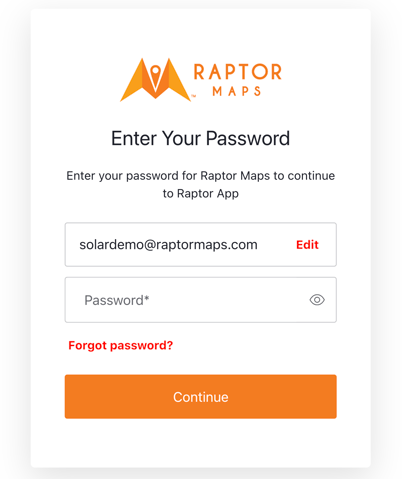
Once you have registered an account, you will be able to login by entering your email and password for your account.
Forgot your password?
If you have forgotten your password, please click the “Forgot password?” link and follow the instructions. If you entered an email that isn’t associated with a Raptor Maps account, this will not work.
To confirm if your email is associated with an existing organization, please contact your org’s administrator or reach out to support@raptormaps.com for assistance.